
CPU Blocks
A CPU block is made for one socket. Find the socket on your motherboard first, then pick the block made for it.
Browse CPU blocks


Best sellers in CPU blocks
View all 36 →


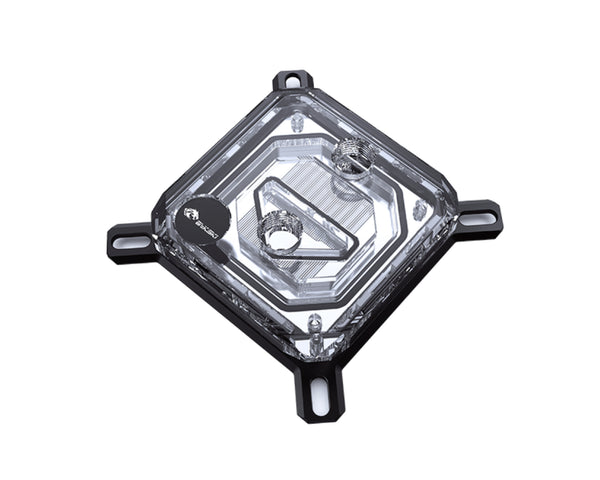
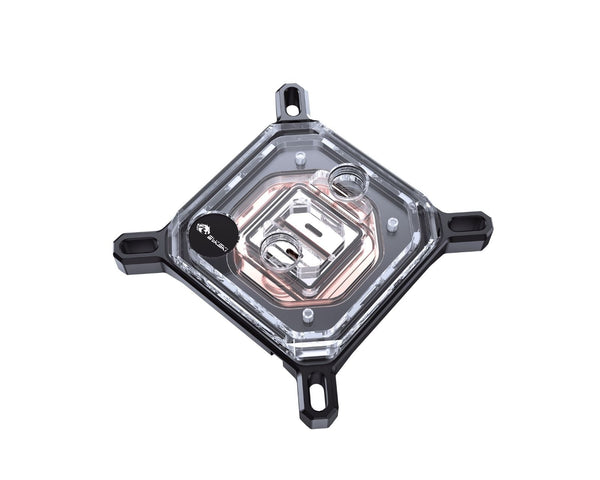
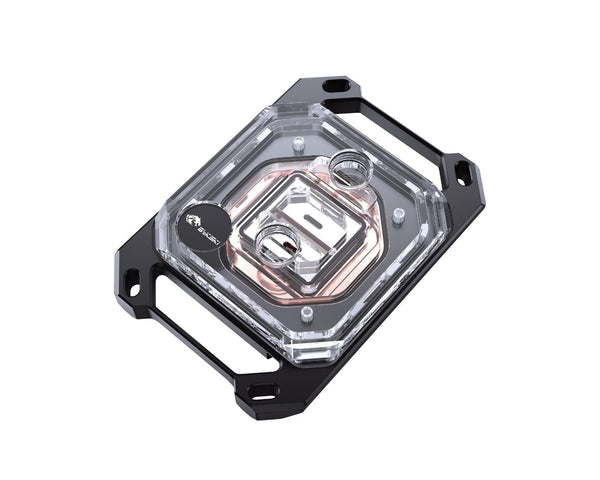
How to pick the right CPU block
The socket name is printed on the board and in its manual, for example LGA 1700 or AM5. One processor family can use more than one socket, so check the board, not the processor.
Look at the memory slots and the power stage heatsinks next to the socket. Server boards and small form factor boards have the least room.
Every block has two G1/4 ports. Note which way they face so the tubing reaches your radiator and pump without sharp bends.
Cooling a server or workstation? A sealed CPU AIO kit can be simpler than building a loop. Ask us and we will tell you which suits your machine.
About Bykski CPU blocks
Each Bykski CPU block is made for a specific socket. The mounting hardware and backplate are what change from one socket to the next, and every block uses the standard G1/4 port thread.
Blocks for server sockets such as LGA 4677, SP3 and SP5 are built for machines that run at full load all day. You will find them, along with our sealed CPU AIO kits, on the workstation and server page.
Not sure which socket you have?
Send us your motherboard model and we will confirm the socket and the right block before you order.